Stream a simulated run, inspect the notifications it would send on Slack and email, and see exactly where it sits in the 7-stage PM OS flow. No password required.
The short version
The Support Signal Processing agent runs daily at 8 AM and pulls every Zendesk or Intercom ticket from the last 24 hours through three parallel analyses: severity clustering by root cause, segment breakdown (Enterprise, Mid-Market, SMB), and trend detection against the 7-day and 30-day baselines. It flags new clusters that didn't exist a week ago, segments with 20%+ ticket volume spikes, and any category that jumped >25% versus baseline. The point is to catch the spike in "API timeout" tickets on day 2 instead of day 6 when a customer escalates. Wire up your support system and the 90-day historical baseline, then run it tomorrow morning.
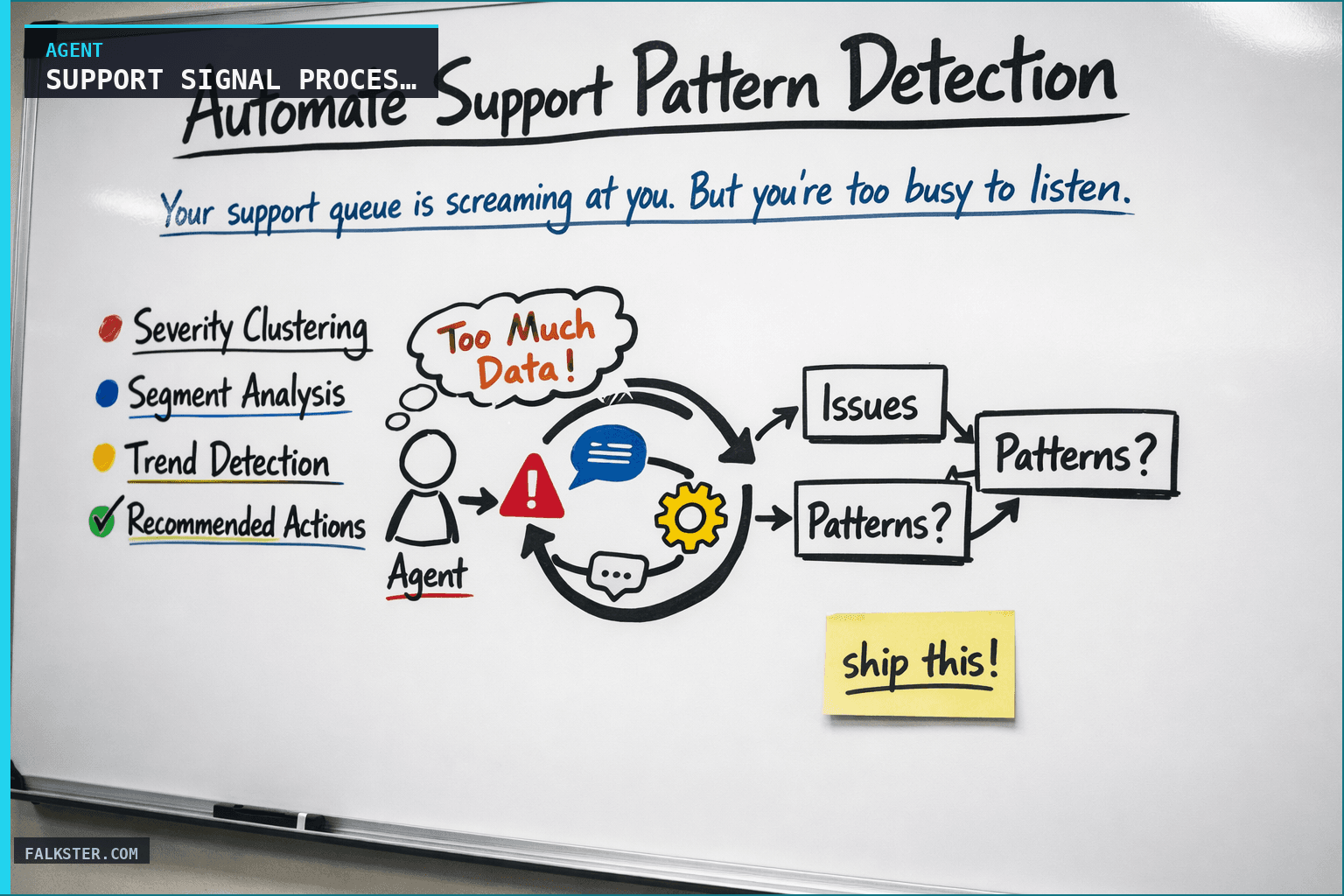
Your support queue is screaming at you. But you're too busy to listen.
Every day, 200 tickets come in. Most are normal - a user forgot a password, an integration needs tweaking, a feature request. But buried in there are signals. A sudden spike in "billing" issues. Three enterprise customers reporting the same bug. A new segment (early-stage startups) hitting a painful edge case.
The problem is finding those signals before they become crises. By the time you manually analyze tickets, the trend has moved on. You're always one week behind.
The Support Signal Processing agent changes that. It runs at 8 AM every morning, automatically clustering tickets by root cause, segment, and severity trend. It tells you: "Here's what's actually happening in your support queue."
How It Works
The agent pulls all tickets from the last 24 hours and runs three analyses in parallel:
Severity Clustering: Tickets grouped by issue type (bugs, missing features, configuration, billing, integration failures). The agent flags new clusters or categories that appeared in the last 48 hours - a signal that something changed.
Segment Analysis: Breaking tickets down by customer segment (enterprise, mid-market, SMB, self-serve, free tier). The agent tracks: which segments are opening more tickets than usual, which have the longest resolution time, which have the highest CSAT. If SMB CSAT dropped 12 points this week, you know immediately.
Trend Detection: Comparing the last 24 hours against the 7-day and 30-day average. A 40% spike in "API timeout" tickets? Flagged. A specific feature causing 8 tickets in 3 days when the average is 1 per week? Flagged. Severity escalation on billing issues? Flagged.
The output is a simple report: here's what's changing, here's what needs your team's attention, here's what you should be worried about.
Data Sources and Setup
Prerequisites: Complete the Claude setup guide first. You'll need:
- Zendesk or Intercom: Reads all tickets created in the last 24 hours, pulls category, severity, customer segment, resolution time
- Customer Segments: A CRM or data warehouse that maps customers to segment (Enterprise, Mid-Market, SMB, etc.)
- Historical baseline: Stores 90 days of ticket data so the agent can detect anomalies
Schedule: Daily at 8:00 AM. Output posts to Slack #support-signals.
The Claude Prompt
You are analyzing our support ticket queue to extract signals.

Here's the ticket data from the last 24 hours:
[TICKETS DATA]

Here's our customer segmentation:
[SEGMENT MAPPING]

Here's the 7-day average for comparison:
[HISTORICAL DATA]

Please analyze and report:

1. **Severity Clustering**
   - Group tickets by root cause
   - Flag any NEW clusters that didn't exist in the last 7 days
   - For each cluster, show: count, median resolution time, affected segments

2. **Segment Analysis**
   - Which segment opened more tickets than usual? (>20% above 7-day average)
   - Which segment has the longest unresolved tickets?
   - Are any segments seeing repeated issues with the same product area?

3. **Trend Detection**
   - Compare last 24h against 7-day and 30-day averages
   - Flag any category that spiked >25%
   - Flag any ticket that's been open longer than the segment average + 50%

4. **Recommended Actions**
   - Which cluster should the team focus on today?
   - Which customer segment needs proactive outreach?
   - Are there quick wins (simple fixes that would resolve multiple tickets)?

Format as a clear, scannable report with headers. Be specific - I want to know WHICH issues spiked, for WHICH segments.
What this gives you
Instead of reading 200 tickets by hand and hoping a pattern jumps out, you get the pattern named:
- "API timeouts up 35% - affects enterprise segment most"
- "SMB CSAT dropped 8 points this week, mostly integration issues"
- "Billing issues were 2/day, now 6/day - escalating"
- "Fix the payment webhook issue (affects 12 tickets, 3 enterprise customers)"
In practice, your team stops fighting random fires and starts fixing root causes. You catch the systemic stuff, a broken integration, a missing feature, 3-4 days earlier. And you know which segment is struggling before they churn, not after.
For the full agent fleet and scheduling details, see Your AI Agent Fleet.
Also on Medium
Full archive →AI Agents and the Future of Work: A Pixar-Inspired Journey
What product managers can learn about AI agents from how Pixar runs a film team.
How to Avoid Survivorship Bias in Product Management
Lessons from the British bomber study, applied to PM customer interviews and analytics.
Frequently asked
What does the Support Signal Processing agent analyze each morning?+
It pulls every support ticket from the last 24 hours and runs three parallel analyses: severity clustering by root cause (grouping tickets and flagging new clusters), segment analysis (comparing ticket volume and CSAT by Enterprise, Mid-Market, and SMB), and trend detection against 7-day and 30-day baselines. It flags any category that spiked more than 25% above baseline.
Why run support signal analysis daily instead of weekly?+
Because a spike caught on day 2 is a 30-minute team fix; the same spike caught on day 6 when a customer escalates is a customer relationship repair. The agent detects the API timeout cluster or the enterprise billing issue before it crosses the churn threshold, not after.
What counts as an anomaly the agent flags?+
New ticket clusters that did not exist in the last 7 days, customer segments with ticket volume more than 20% above their 7-day average, any ticket category that spiked more than 25% versus baseline, and any ticket open longer than the segment average plus 50%. Each flag comes with a recommended action and the segment most affected.
What data sources does the Support Signal Processing agent need?+
Zendesk or Intercom for tickets created in the last 24 hours (category, severity, customer segment, resolution time), a CRM or data warehouse that maps customers to segment, and a 90-day historical baseline of ticket data to detect anomalies against. Output posts to a Slack channel daily at 8:00 AM.
How is this different from reading the support queue myself?+
Reading 200 tickets manually, you're looking for individual problems. The agent looks for statistical patterns: which clusters changed, which segments shifted, which trends are accelerating. You catch the systemic issue (broken integration, missing feature) 3-4 days earlier and know which segment is struggling before they churn.

Comments (0)
Sign in with LinkedIn to leave a comment.
Sign in with LinkedIn